Features
Everything a fire protection company runs on.
Serdock was built inside a working sprinkler and backflow contractor, one real job at a time. These are the parts of it you get.
Inspections and testing
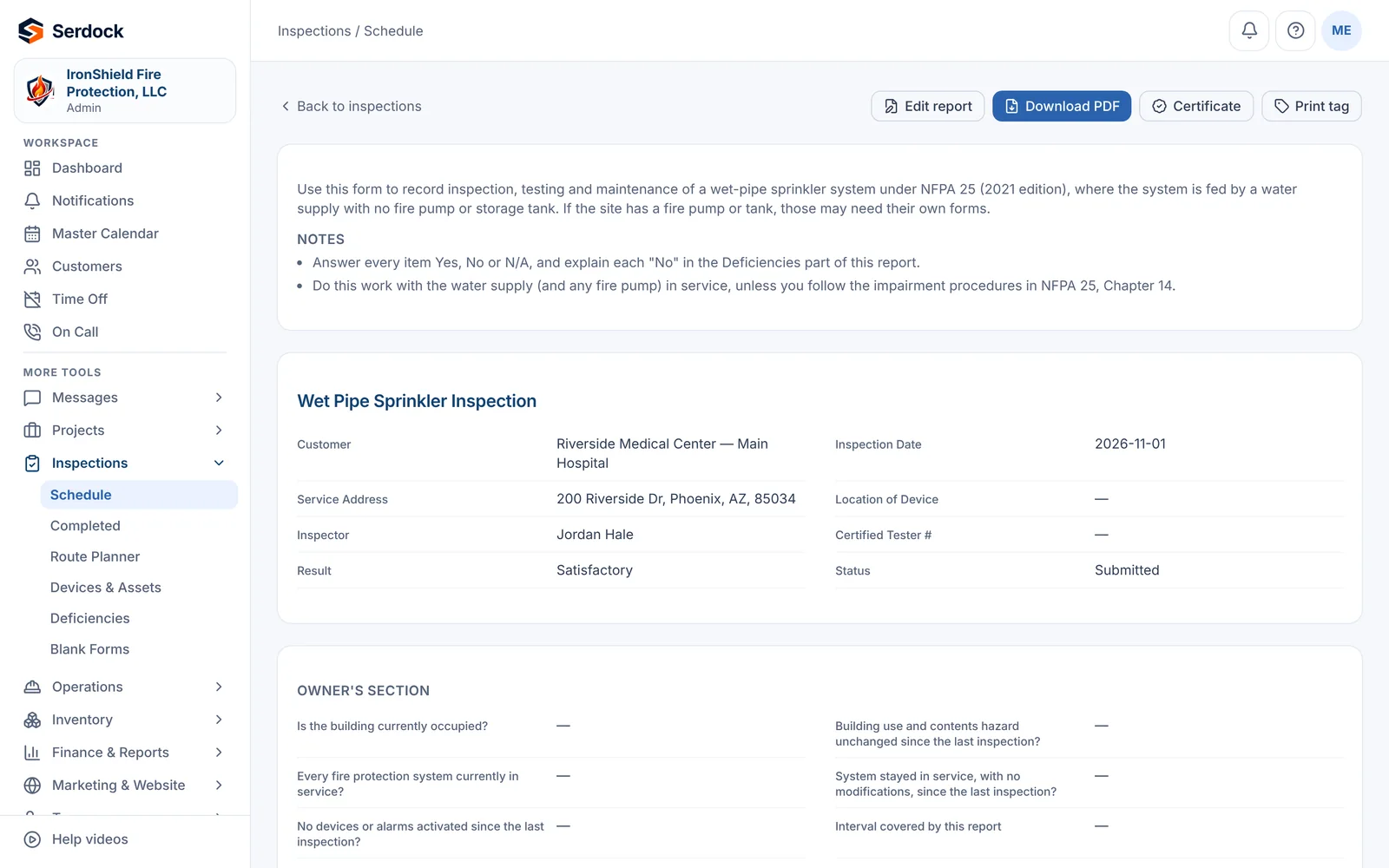
- NFPA 25 forms for wet pipe, dry pipe, fire pump, standpipe, private mains, water tanks and control valves
- Backflow tests with the tester's certification, and acceptance hydrostatic tests for new work
- Extinguishers (NFPA 10), kitchen hoods (NFPA 17A), fire alarms (NFPA 72), emergency lighting (NFPA 101), fire doors (NFPA 80) and special hazards (NFPA 2001, 12, 17)
- Each kind of inspection a module you turn on, and a form builder for your own
- Photos, voice notes, inspector and owner signatures, and reports sealed against tampering
- Per-building schedules that roll forward on submit; due reminders for the office and the customer
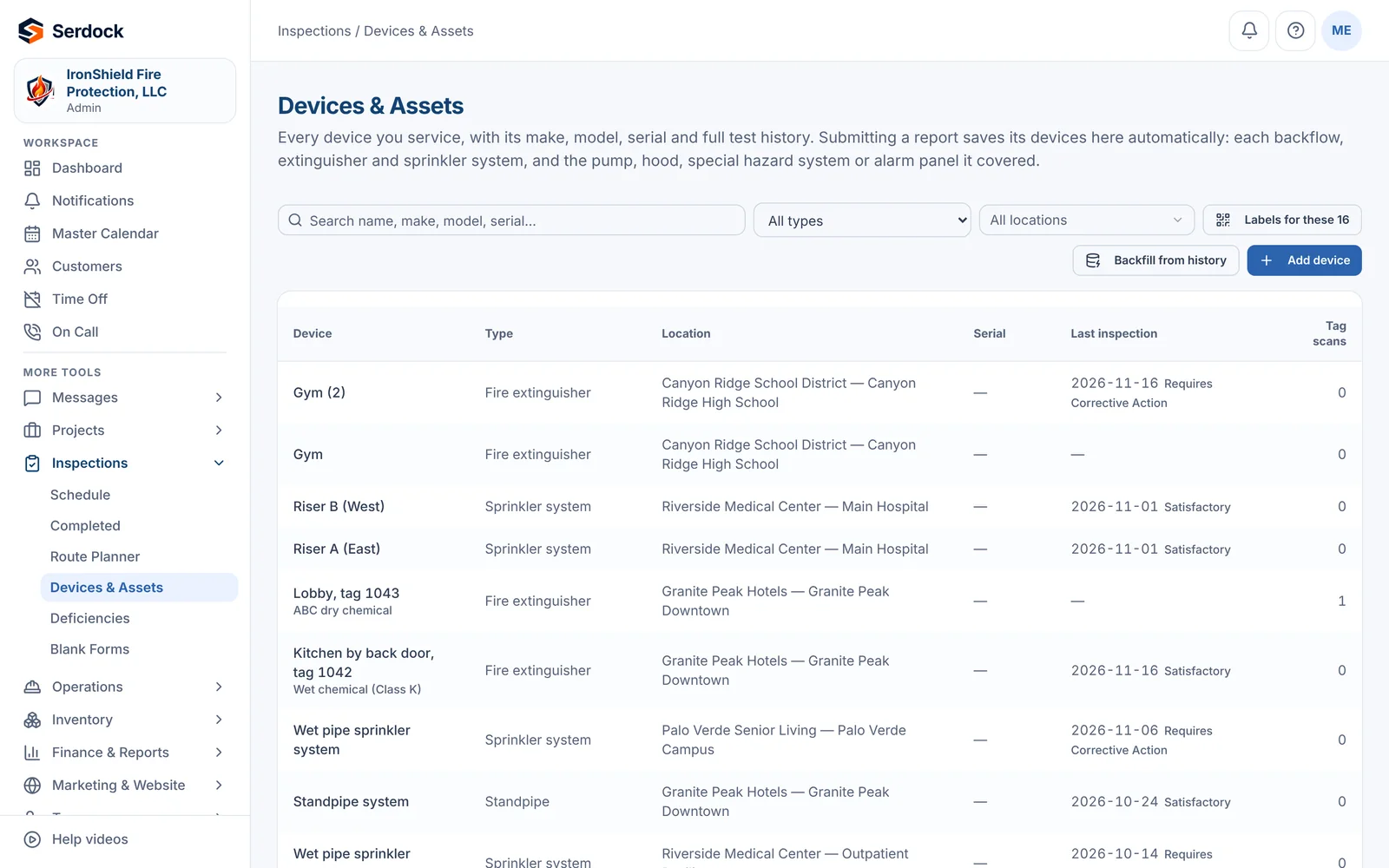
- Devices and assets kept against each building, with their history
Deficiencies, quotes and proposals
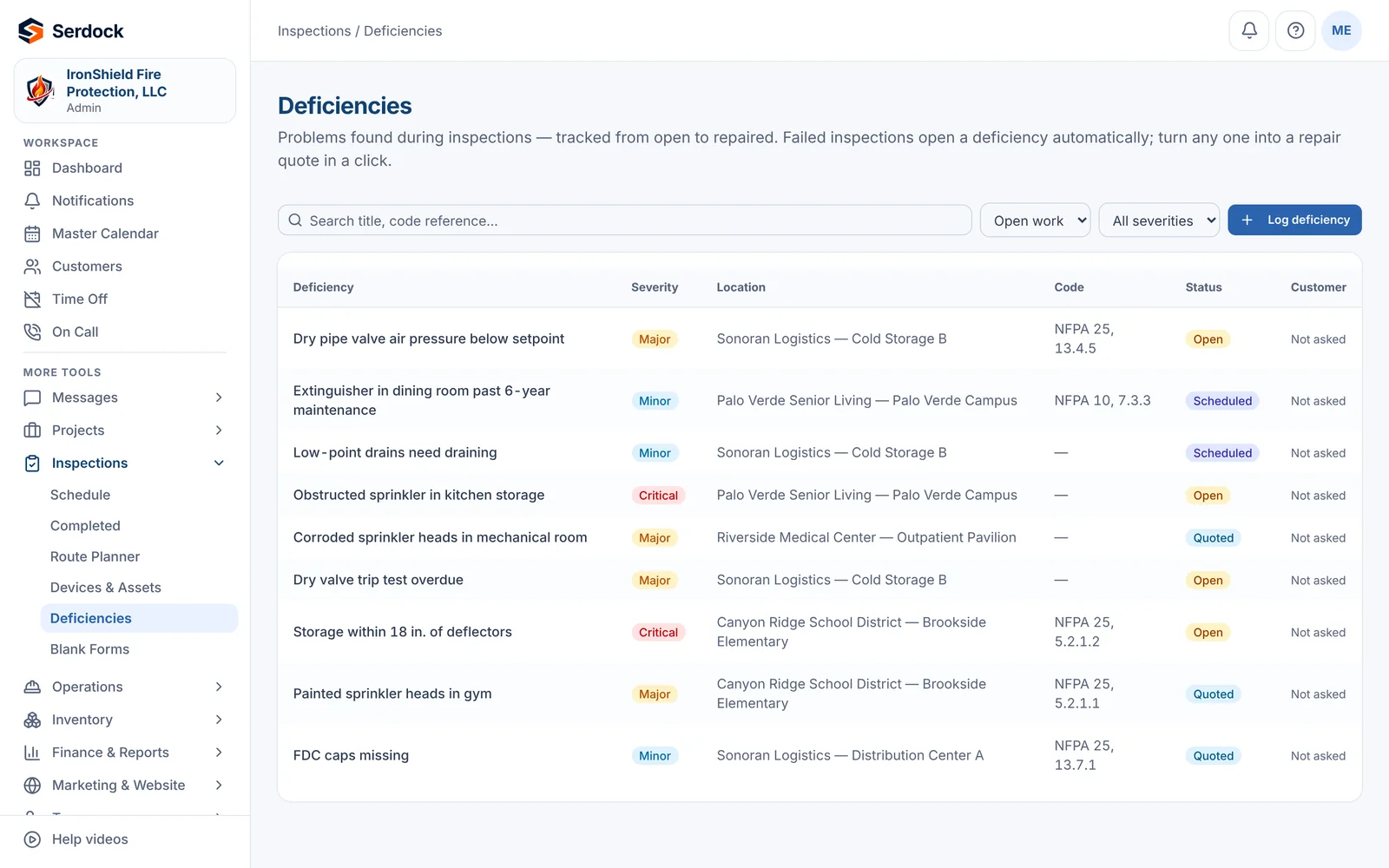
- Deficiencies with severity and code reference, tracked from open to resolved
- Bids and proposals the customer reviews and signs online, under versioned terms
- Change orders priced from your crew rates, sent for approval by link
- Customer pricing by date: custom rates and inspection prices per customer
Projects and service work
- A twelve-stage project pipeline for contract work, from estimate to closeout
- Daily field reports and day work tickets signed by the customer on site
- Field change orders from the foreman, attached to the job by the office
- Jobs on a single building or a whole group of buildings
Scheduling and crews
- A master calendar of inspections, crews, time off and on-call
- Route planning for the day's stops
- Calendar feeds for each person and the company
- Help videos built into every screen
Purchasing and inventory
- Requests for quote sent to suppliers, with their prices compared side by side
- Purchase orders by supplier, including employee-paid purchases and reimbursements
- Warehouse stock, reorder points and transfers
Billing and collections
- Two-way QuickBooks Online sync: customers, invoices, estimates and payments
- Branded invoices with the date of each piece of work and a pay link
- Payment reminders and monthly statements by email and text, reviewed or sent on their own
- A collection file with the work, the timeline and the signed terms when an invoice goes unpaid
Customer portal
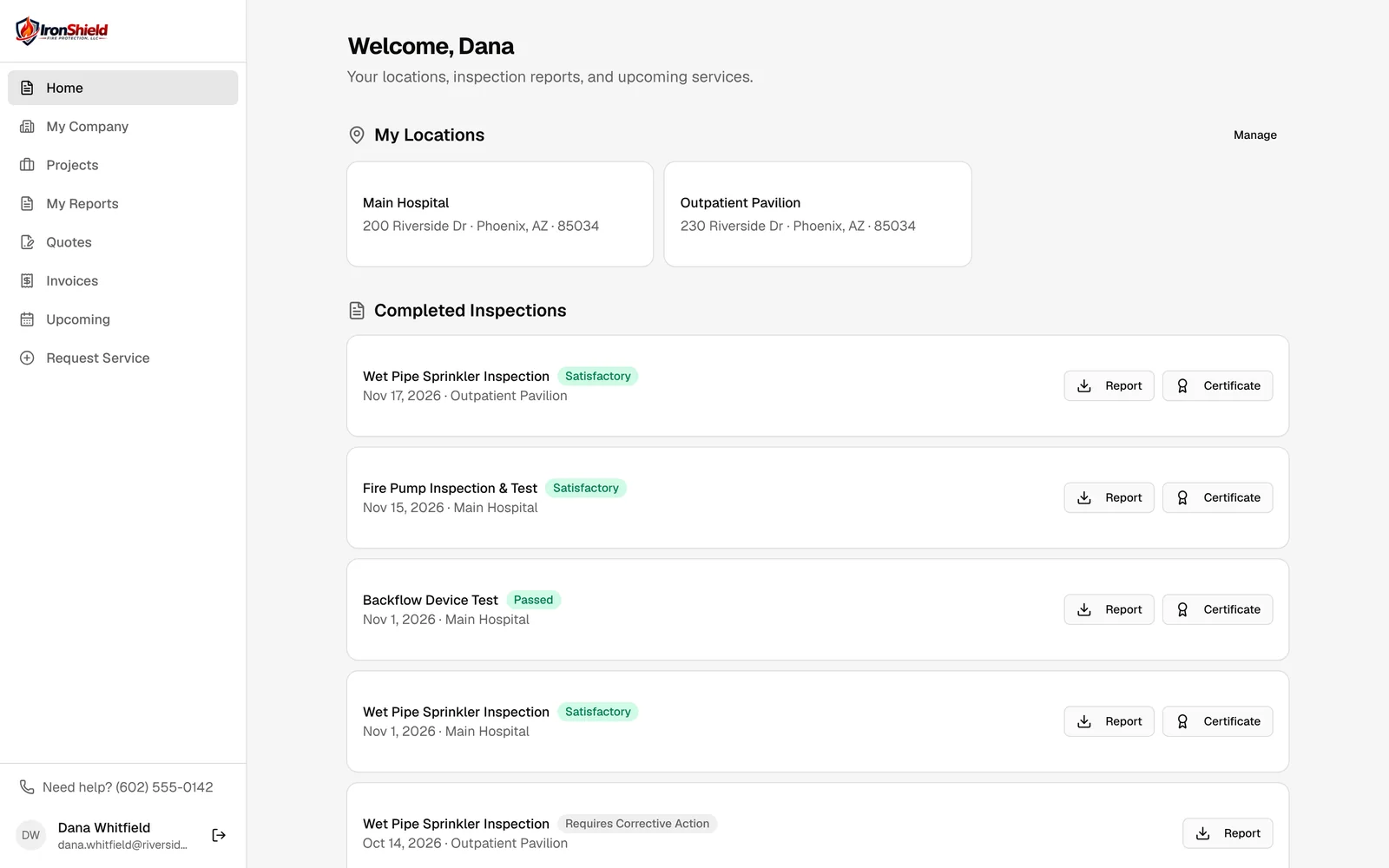
- Every report, deficiency, proposal and invoice for the customer's buildings
- Approve repairs, request service and update billing contacts online
- Access for the people who manage a building, handed over cleanly when it is sold
Texting and email
- One inbox for customer and supplier texts and emails, tied to the customer or job
- Text consent handled properly, per number
- Every email you send kept, with delivery, opens and bounces
Your website, found on Google and by AI
- A fast website with your logo, colours, services, reviews and FAQ, in every plan
- A page for each service and each town you serve, and guides building owners search for
- Ready for AI search: structured data, an llms.txt summary, and AI crawlers welcomed, so ChatGPT, Gemini and Perplexity can read and cite you
- A monthly check of what AI assistants answer when asked who to call, and whether they name you
- Search Console, keyword rankings, page speed and weekly suggestions of what to do next
- Google Business Profile, reviews and replies, beside your jobs
- Quote, service and contact forms that arrive in your dashboard with where the lead came from, followed to the paid invoice
- Your own web address and email domain, set up from the dashboard
Customers and buildings
- Customers with their buildings, contacts and billing contacts
- General contractors and the buildings they built for others
- Duplicate review and merging that keeps every record's history
Fleet and field
- Vehicles and their assigned drivers
- Inspector and foreman screens designed for one hand on a ladder
Your data, kept apart
- Every company's records are separated in the database itself, not only in the app
- Roles and permissions for office, field and customers
- An audit trail of who changed what
See it with your own work in mind.
A 30-minute walkthrough, on the inspections and jobs you actually do.